
Security Camera Install
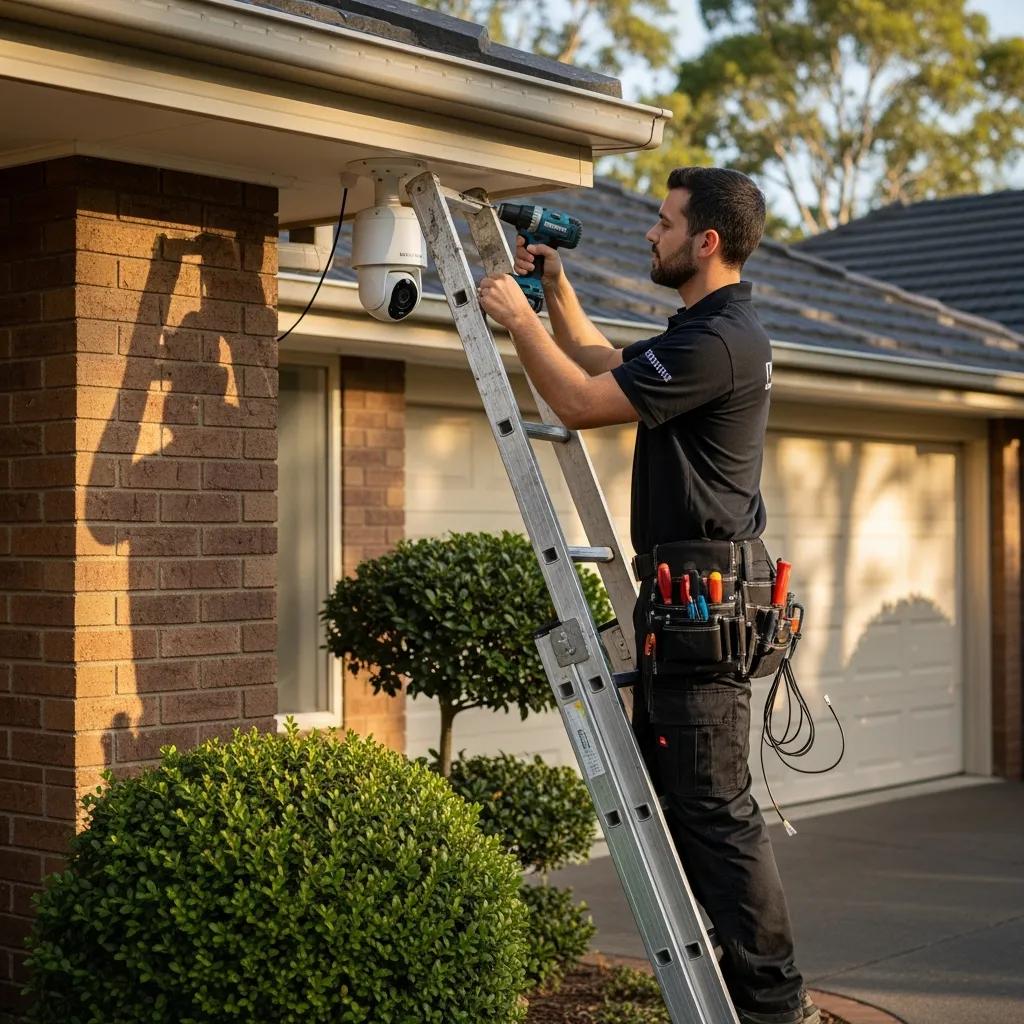
Comprehensive Guide to Security Camera Install: Expert Solutions, Costs, and System Integration
In an era where security is paramount, understanding the intricacies of security camera installation is essential for both homeowners and businesses. This comprehensive guide delves into the various types of security cameras, their installation processes, and the costs associated with setting up a reliable surveillance system. Readers will learn about the benefits of integrating security cameras with access control systems and the latest trends in video surveillance technology. As security concerns grow, the need for effective home surveillance systems becomes increasingly critical. This article will cover key topics, including the types of cameras available, installation steps, cost breakdowns, and best practices for maintaining these systems.
What Are the Key Types of Security Cameras for Installation?
Security cameras come in various types, each designed to meet specific surveillance needs. Understanding these types is crucial for selecting the right camera for your installation.
- Dome Cameras: These are commonly used in retail and commercial settings due to their discreet design. They are often mounted on ceilings and provide a wide-angle view, making them ideal for monitoring large areas.
- Bullet Cameras: Known for their long-range capabilities, bullet cameras are suitable for outdoor use. They are typically weatherproof and can capture high-quality images even in low light conditions.
- PTZ Cameras: Pan-Tilt-Zoom (PTZ) cameras offer flexibility as they can be remotely controlled to pan, tilt, and zoom in on specific areas. This feature is particularly useful for monitoring large spaces or tracking moving objects.
Each type of camera has its pros and cons, making it essential to assess your specific security needs before making a decision.
How Do Wireless Security Cameras Compare to Wired Systems?
When considering security camera installation, one of the primary decisions is whether to opt for wireless or wired systems. Each has its advantages and disadvantages.
- Wireless Security Cameras: These cameras are easier to install since they do not require extensive wiring. They connect to Wi-Fi networks, allowing for remote access and monitoring via smartphones or computers. However, they may be susceptible to interference and require a reliable internet connection.
- Wired Security Cameras: Wired systems typically offer more stable connections and are less prone to interference. They are ideal for larger installations where consistent video quality is crucial. However, installation can be more labor-intensive and costly due to the need for cabling.
Ultimately, the choice between wireless and wired systems depends on the specific requirements of the installation site and the desired level of security.
Which Are the Best Outdoor Security Cameras for Home and Business?
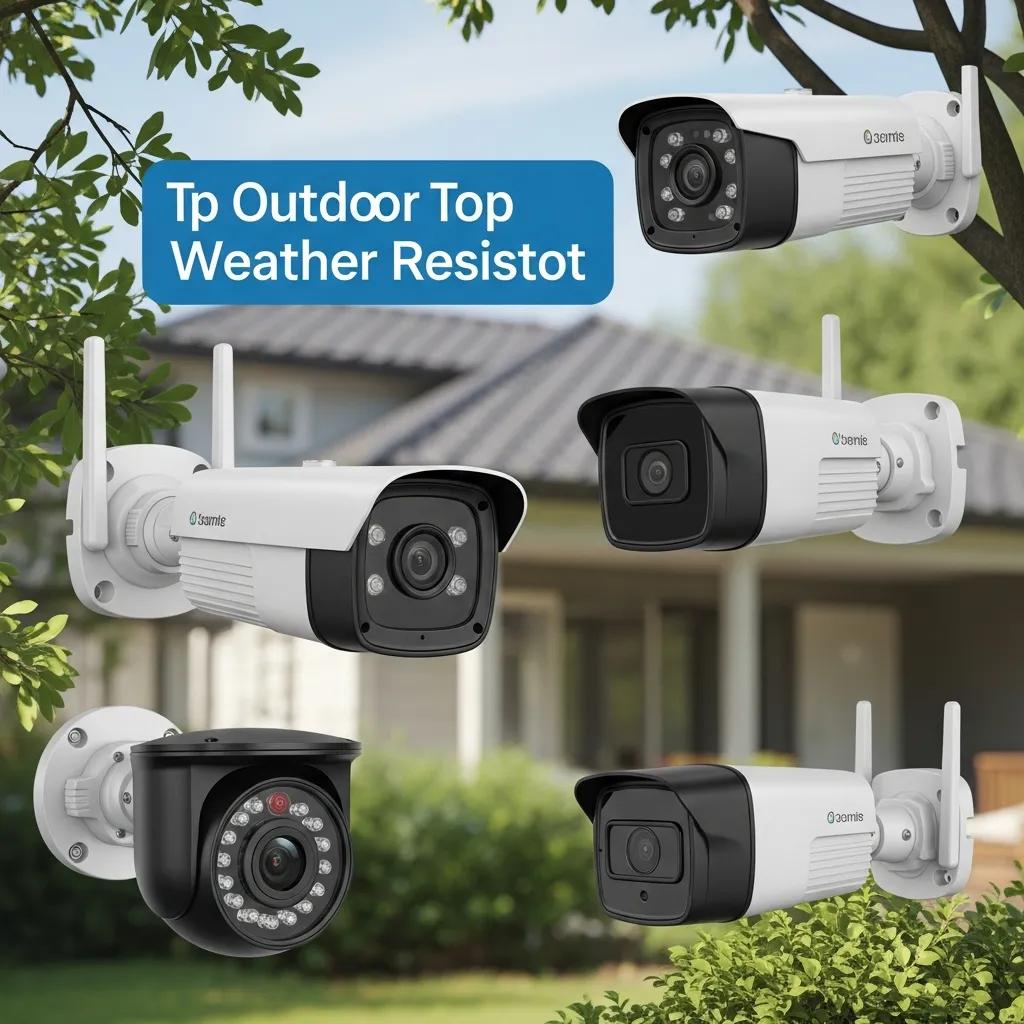
Selecting the right outdoor security camera is vital for effective surveillance. Here are some top recommendations:
- Arlo Pro 4: This wireless camera offers 2K HDR video quality and color night vision, making it a top choice for outdoor monitoring.
- Ring Floodlight Cam: Combining a security camera with a floodlight, this device provides excellent visibility and deterrence against intruders.
- Nest Cam Outdoor: Known for its sleek design and smart features, this camera integrates seamlessly with other smart home devices.
When choosing an outdoor camera, consider factors such as video quality, weather resistance, and additional features like motion detection and night vision.
How to Professionally Install Security Cameras: Step-by-Step Process
Installing security cameras requires careful planning and execution. Here’s a step-by-step guide to ensure a successful installation:
- Planning: Identify key areas that require surveillance and determine the number of cameras needed.
- Mounting: Securely mount the cameras at appropriate heights and angles to maximize coverage.
- Wiring: For wired systems, run cables through walls or ceilings to connect cameras to the recording device.
- Configuration: Set up the cameras using the manufacturer’s instructions, ensuring they are connected to the network if wireless.
- Testing: After installation, test each camera to confirm proper functionality and adjust angles as necessary.
Following these steps will help ensure that your security camera system is effective and reliable.
What Are the Installation Steps for Unifi and Reolink Cameras?
Installing Unifi and Reolink cameras involves specific steps tailored to each brand. Here’s a brief overview:
Unifi Camera Installation Steps
- Download the Unifi Protect App: This app is essential for managing your Unifi cameras.
- Connect the Camera: Use an Ethernet cable to connect the camera to your network switch.
- Adopt the Camera: Open the app, find the camera, and adopt it into your system.
- Configure Settings: Adjust settings such as motion detection and recording schedules.
Reolink Camera Installation Steps
- Power the Camera: Connect the camera to a power source.
- Connect to the Network: Use the Reolink app to connect the camera to your Wi-Fi network.
- Adjust Settings: Customize settings for alerts, recording, and viewing preferences.
Both systems offer user-friendly interfaces, making installation straightforward for most users.
What Are Best Practices for Security Camera Wiring and Configuration?
Proper wiring and configuration are crucial for the effectiveness of security camera systems. Here are some best practices:
- Use Quality Cables: Invest in high-quality cables to ensure reliable connections and minimize signal loss.
- Plan Cable Routes: Avoid running cables near electrical lines to reduce interference.
- Secure Connections: Ensure all connections are tight and weatherproof, especially for outdoor installations.
- Regularly Update Firmware: Keep camera firmware updated to protect against vulnerabilities and improve functionality.
Implementing these practices will enhance the performance and longevity of your security camera system.
What Is the Cost of Security Camera Installation and Maintenance?
The cost of security camera installation can vary significantly based on several factors, including the type of cameras, the complexity of the installation, and ongoing maintenance needs.
- Average Installation Costs: Professional installation typically ranges from $100 to $300 per camera, depending on the system's complexity.
- Maintenance Costs: Regular maintenance, including software updates and hardware checks, can cost around $100 annually.
Understanding these costs can help you budget effectively for your security needs.
How Do Installation Costs Vary Between Wireless and Wired Cameras?
Installation costs can differ between wireless and wired security camera systems.
- Wireless Cameras: Generally, these systems have lower installation costs due to the lack of extensive wiring. However, additional costs may arise from the need for Wi-Fi extenders or additional network equipment.
- Wired Cameras: While the initial installation may be higher due to cabling and labor, wired systems often provide better long-term reliability and lower maintenance costs.
Evaluating these factors will help you make an informed decision based on your budget and security requirements.
Research further supports the notion that wireless systems can offer a more budget-friendly entry point into home security.
Affordable Wireless Home Security & CCTV Alternatives
In this paper, we propose a smart and robust home security system. This is for intrusion detection along with a proprietary Android application. Intruder-Spi makes use of relatively low cost but effective wireless sensors network that makes it an affordable security system to buy when compared to other expensive CCTV camera systems.
Home security system using wireless sensors network, H El-Ocla, 2022
What Are Typical Maintenance Requirements for IP Security Cameras?
Maintaining IP security cameras is essential for ensuring their longevity and effectiveness. Typical maintenance tasks include:
- Regular Cleaning: Dust and debris can obstruct camera lenses, so regular cleaning is necessary.
- Software Updates: Keeping the camera's firmware updated helps protect against security vulnerabilities.
- System Checks: Periodically check the camera's functionality and recording capabilities to ensure everything is working correctly.
By adhering to these maintenance requirements, you can ensure that your security camera system remains effective over time.
Security Camera Installation: Costs & Integration by Total Security
Integrating security cameras with access control and smart systems enhances overall security. Here’s how to achieve this integration:
- Choose Compatible Systems: Ensure that your security cameras and access control systems can communicate effectively.
- Centralized Management: Use a single platform to manage both systems, allowing for streamlined monitoring and control.
- Automated Alerts: Set up automated alerts for unusual activities detected by either system, enhancing response times.
This integration not only improves security but also provides a more comprehensive view of your premises.
What Are the Benefits of Integrating Cameras with Access Control Systems?
Integrating security cameras with access control systems offers several benefits:
- Enhanced Security: Combining both systems allows for real-time monitoring and response to security breaches.
- Improved Monitoring: Access control systems can trigger camera recordings when unauthorized access is detected.
- Cost Savings: Streamlining security operations can reduce the need for additional personnel and resources.
These benefits make integration a valuable consideration for any security strategy.
How Do AI-Enabled Cameras Enhance Security System Integration?
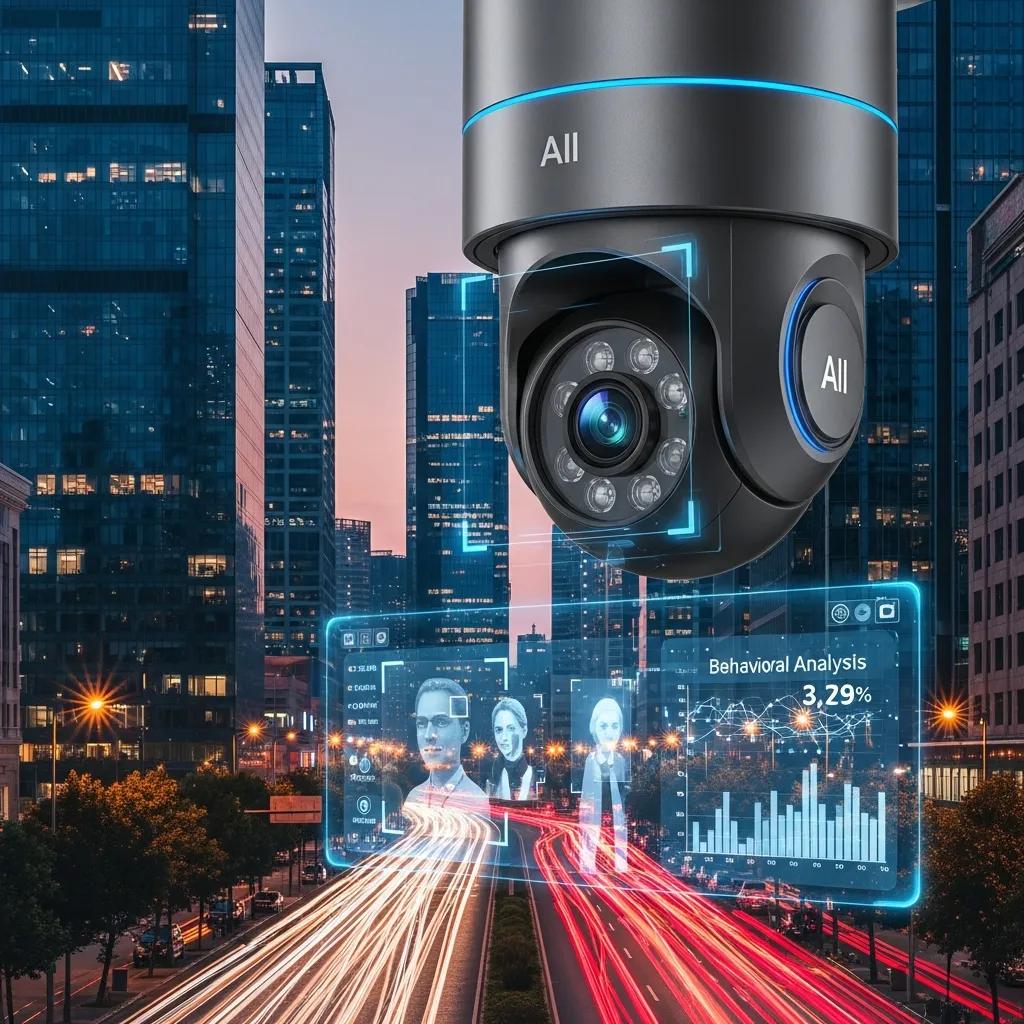
AI-enabled cameras are revolutionizing security system integration by providing advanced features that enhance surveillance capabilities.
- Facial Recognition: These cameras can identify individuals, allowing for better access control and monitoring.
- Behavioral Analysis: AI can analyze behavior patterns, alerting security personnel to suspicious activities.
- Automated Responses: Some systems can automatically trigger alarms or notifications based on AI analysis.
The integration of AI technology significantly improves the effectiveness of security systems.
What Are the Latest Trends and Technologies in Security Camera Installation?
The security camera industry is continually evolving, with several trends shaping the future of installation:
- Cloud Storage Solutions: More systems are utilizing cloud storage for video footage, providing easier access and enhanced security.
- Smart Home Integration: Cameras are increasingly being integrated with smart home systems, allowing for seamless control and monitoring.
- Higher Resolution Cameras: The demand for higher resolution cameras is growing, with 4K options becoming more common.
Staying informed about these trends can help you choose the best technology for your security needs.
How Is Cloud Storage Changing Video Surveillance Systems?
Cloud storage is transforming video surveillance by offering several advantages:
- Accessibility: Users can access footage from anywhere, making it easier to monitor security remotely.
- Scalability: Cloud solutions allow for easy expansion of storage as needs grow.
- Cost-Effectiveness: Reduces the need for physical storage devices, lowering overall costs.
These benefits make cloud storage an attractive option for modern surveillance systems.
What Cybersecurity Measures Protect Modern Security Camera Networks?
As security cameras become more connected, protecting them from cyber threats is crucial. Key cybersecurity measures include:
- Strong Passwords: Use complex passwords and change them regularly to prevent unauthorized access.
- Network Security: Implement firewalls and VPNs to secure the network on which cameras operate.
- Regular Updates: Keep all software and firmware updated to protect against vulnerabilities.
By adopting these measures, you can significantly enhance the security of your camera networks.
Where to Find Professional Security Camera Installation Services?
Finding reliable security camera installation services is essential for ensuring a successful setup. Here are some resources to consider:
- Local Service Providers: Search for local companies specializing in security installations.
- Online Reviews: Check online reviews and ratings to gauge the quality of service.
- Industry Recommendations: Seek recommendations from industry professionals or security forums.
These resources can help you find qualified installers for your security camera needs.
How to Choose Expert Installers for Unifi and Reolink Camera Systems?
Selecting the right installers for Unifi and Reolink camera systems involves several considerations:
- Qualifications: Look for installers with certifications and experience in handling these specific systems.
- Questions to Ask: Inquire about their installation process, warranty, and post-installation support.
- Cost Considerations: Get quotes from multiple providers to ensure competitive pricing.
By following these guidelines, you can ensure a successful installation of your security camera systems.
What Should Customers Expect from Professional Installation Services?
When hiring professional installation services, customers should expect:
- Comprehensive Assessment: Installers should conduct a thorough assessment of the premises to determine the best camera placements.
- Quality Workmanship: Expect high-quality installation with attention to detail, ensuring all equipment is securely mounted and configured.
- Post-Installation Support: Reliable services should offer support after installation, including troubleshooting and maintenance.
Understanding these expectations can help you choose the right installation service.
What Are Common FAQs About Security Camera Installation?
Security camera installation often raises several common questions:
- How long does installation take?: Typically, installation can take a few hours to a full day, depending on the number of cameras and complexity.
- Can I install cameras myself?: While DIY installation is possible, professional installation ensures optimal placement and configuration.
- What if I need to move my cameras?: Most systems allow for easy relocation, but professional assistance may be required for reinstallation.
These FAQs address common concerns and help clarify the installation process.
Can I Install Security Cameras Myself or Should I Hire Professionals?
Deciding between DIY installation and hiring professionals depends on several factors:
- DIY Pros: Cost savings and flexibility in installation.
- DIY Cons: Potential for improper installation and configuration issues.
- Professional Pros: Expertise and guaranteed quality of installation.
- Professional Cons: Higher upfront costs.
Evaluating these factors will help you make an informed decision based on your skills and budget.
How Do Wired and Wireless Cameras Compare in Performance and Reliability?
When comparing wired and wireless cameras, performance and reliability are key considerations:
- Wired Cameras: Generally offer superior performance with stable connections and higher video quality. They are less prone to interference and provide consistent reliability.
- Wireless Cameras: While convenient, they may experience connectivity issues, especially in areas with weak Wi-Fi signals. However, advancements in technology are improving their reliability.
Understanding these differences can help you choose the right system for your needs.
Further studies highlight how advanced wireless network designs, such as mesh networks, are being developed to enhance the scalability and reliability of IP camera surveillance in community settings.
Wireless Mesh Network Design for IP Camera Surveillance
Security surveillance is an integral part of any community and must be implemented by governing bodies. The designers, after thorough assessment and consultation, have identified gaps and weaknesses within Barangay Camias of Magalang, Pampanga, wherein the locale requires an upgrade in terms of security surveillance. Hence, the overall objective of this study is to design a Wireless Mesh Network that uses IP Cameras for surveillance, with scalability and reliability as its key traits to meet their needs.
APPROVAL SHEET This capstone entitled “Design of a Wireless Mesh Network for Surveillance using IP Cameras in Barangay Camias, Magalang, Pampanga” …, 2024
How to Maintain and Troublesoot Common Issues With Security Camera Systems Effectively?
Effective maintenance and troubleshooting are essential for the longevity of security camera systems. Here are some tips:
- Routine Checks: Regularly inspect cameras for any physical damage or obstructions.
- Software Updates: Keep the camera firmware updated to ensure optimal performance.
- Troubleshooting Common Issues: Familiarize yourself with common problems, such as connectivity issues or poor image quality, and know how to resolve them.
By following these guidelines, you can ensure your security camera system remains functional and effective.
What Are Routine Maintenance Tips for Long-Term Camera Performance?
To ensure long-term performance of security cameras, consider these routine maintenance tips:
- Regular Cleaning: Clean camera lenses to prevent dirt and dust buildup that can obscure images.
- Check Connections: Periodically inspect all connections to ensure they are secure and functioning properly.
- Monitor Performance: Keep an eye on video quality and functionality, addressing any issues promptly.
Implementing these tips will help maintain the effectiveness of your security camera system.
How to Troubleshoot Common Issues with IP Security Cameras?
Troubleshooting common issues with IP security cameras can often be straightforward. Here are some common problems and solutions:
- No Video Feed: Check power connections and ensure the camera is properly connected to the network.
- Poor Image Quality: Clean the lens and check for obstructions. Adjust camera settings if necessary.
- Connectivity Issues: Ensure the camera is within range of the Wi-Fi signal and consider using a Wi-Fi extender if needed.
By addressing these common issues, you can maintain the functionality of your IP security cameras.
To ensure you have the best home security camera systems, consider exploring options from Total Security Systems.
For those interested in the intricacies of security camera wiring, understanding the basics can greatly enhance your installation process.
If you're looking for a comprehensive solution, consider exploring business security systems to protect your commercial property effectively.